
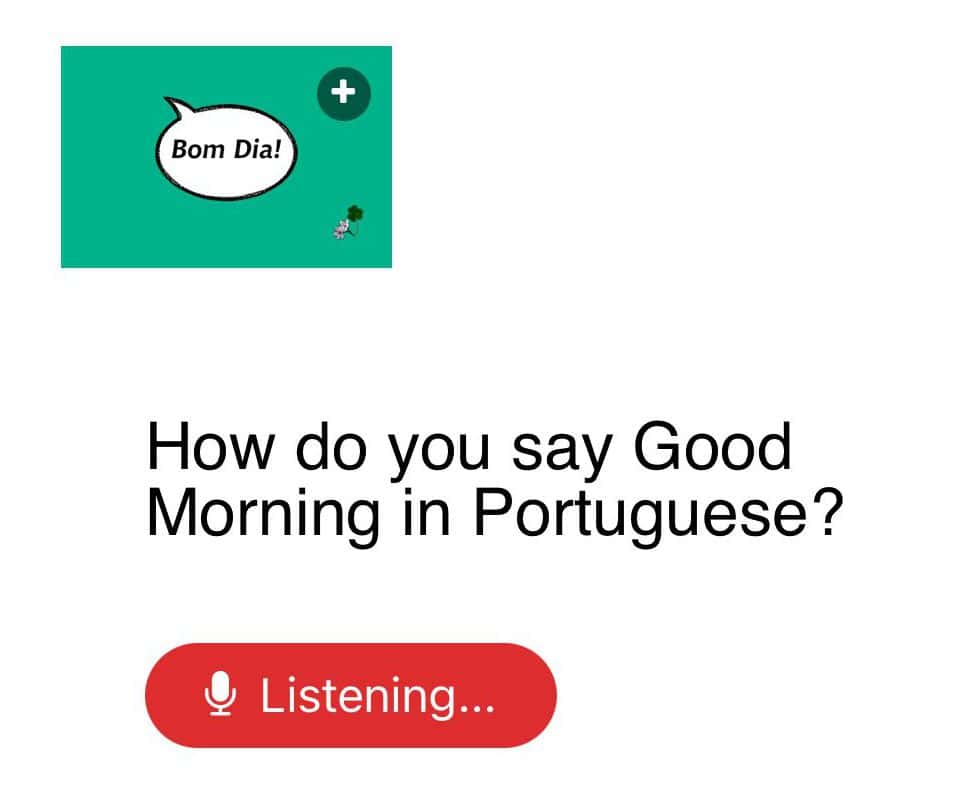
If you’re trying one of my speaking practice lessons and it’s not working on your Android phone even though you’re in Chrome. If it’s stuck at listening try these steps below and see if that fixes it.
Android
You’re stuck at listening even though you’ve already allowed microphone access. No worries, what you do next is click on the three little dots (usually in the upper right corner. Scroll down to settings and select. Then scroll to site settings and select. Next, click on the microphone and then select thesoundsofportuguese.com and press allow. It should work now.
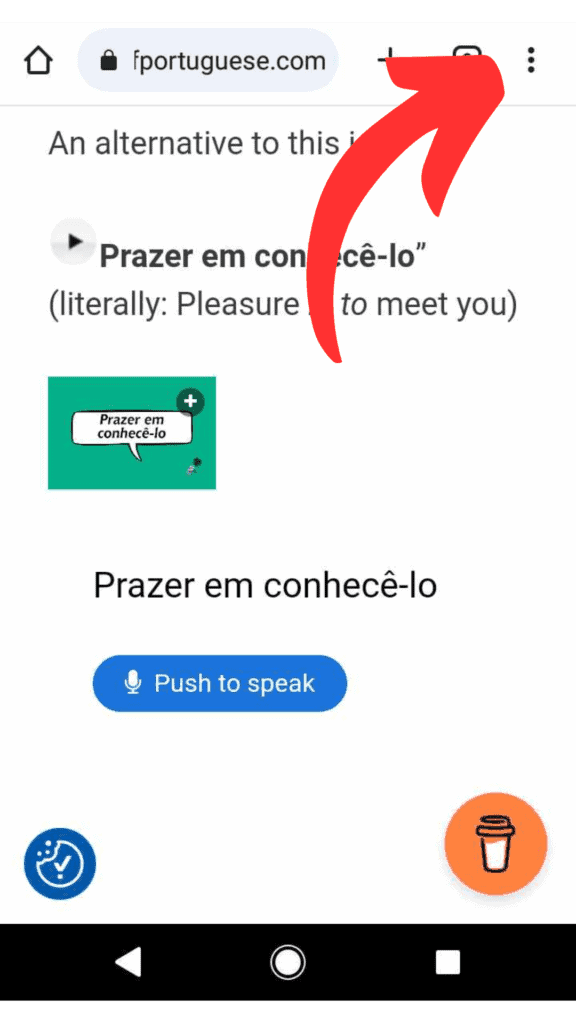
1. When you’re on my website, in Chrome, look for the three dots and press them.
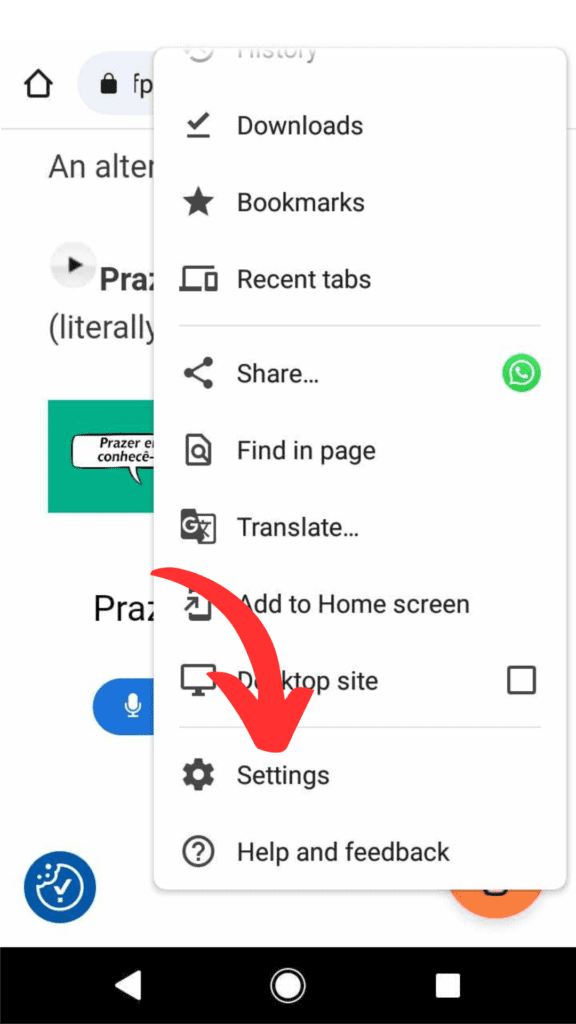
2. Scroll to settings and select.

3. In settings, scroll down to site settings and select.
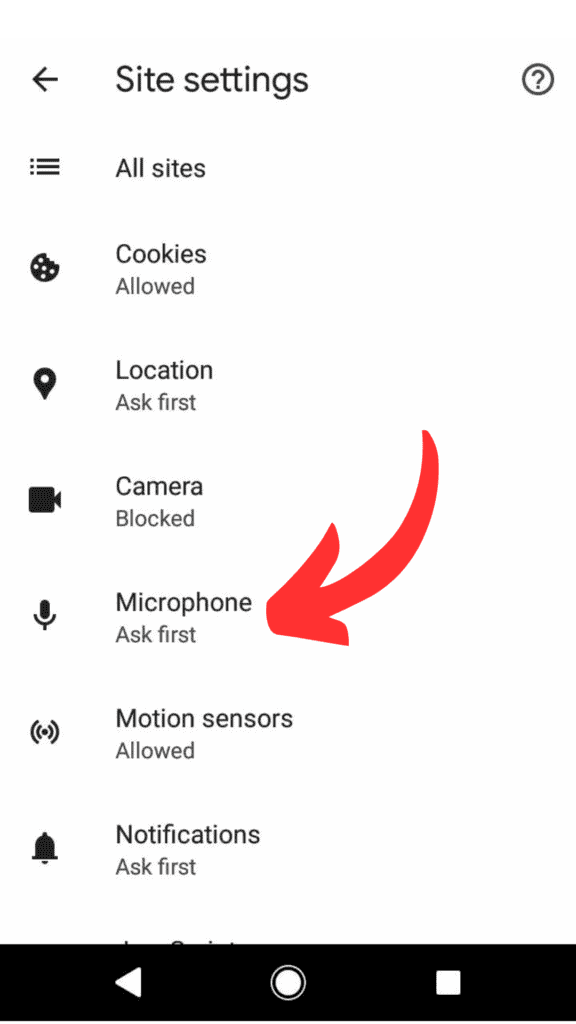
4. In site settings, scroll down to microphone and select.

5. In the microphone, press theoundsofportuguese.com
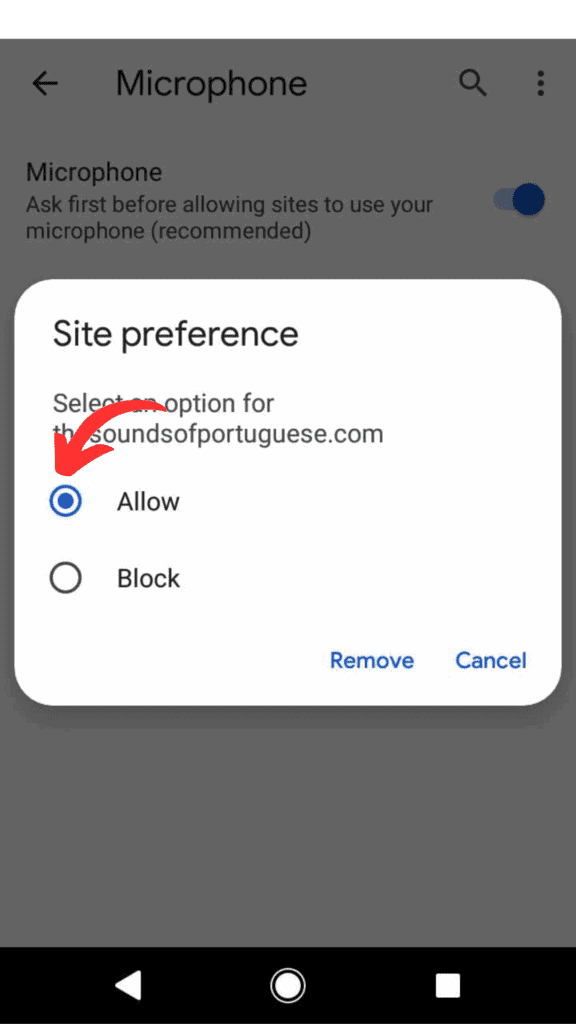
6. Select ‘allow’, and you should be all done.
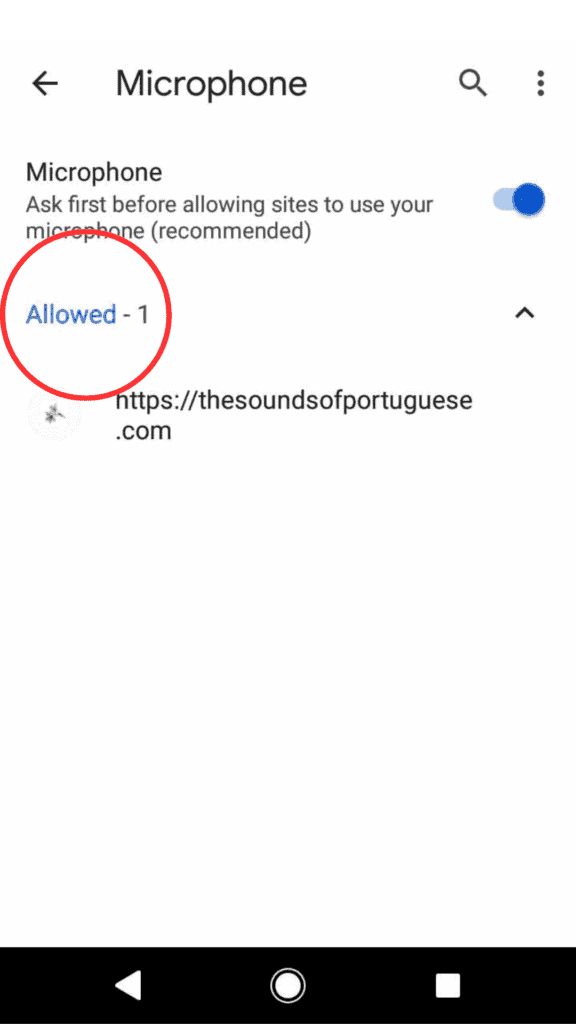
7. Doublecheck it says “allowed” now and it should work.
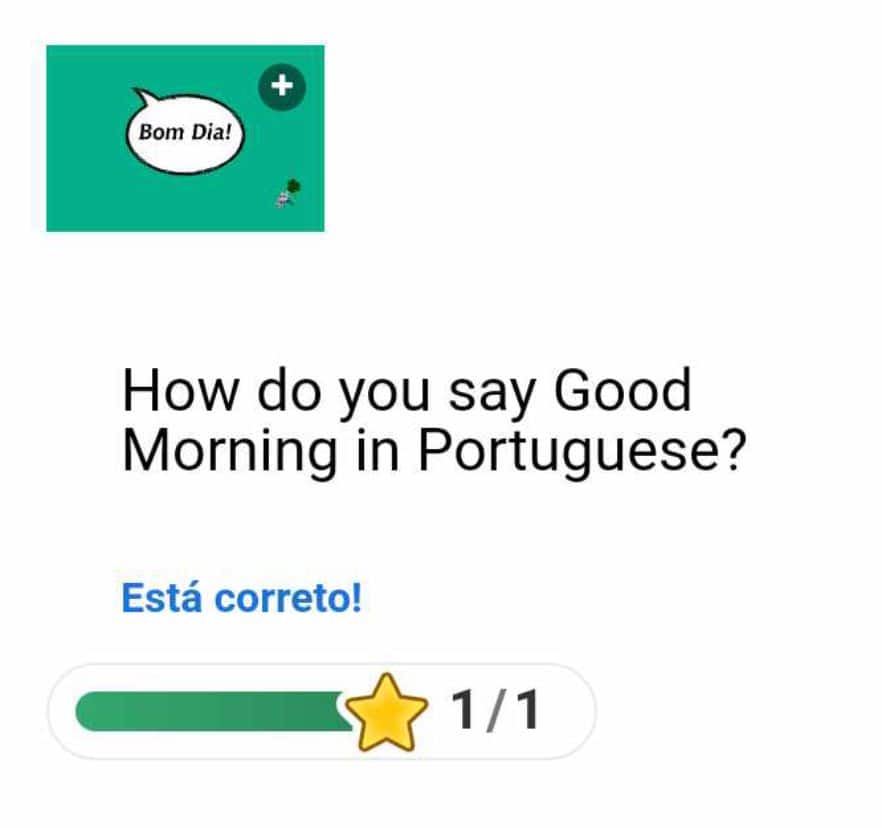
8. Try it again and get that gold star!
Iphone (not available yet)
I’m still working on a solution for the iPhones, but it’s looking like it may not work at all because of Apple’s programming. I’ll continue looking for a solution. I don’t have an iPhone currently so it’s making it difficult to troubleshoot. If you know of any plugins or apps for WP that do voice recognition on Apple, please let me know! Thank you for your patience.